


You Have The Right Tools, But Are They Configured Correctly?
Microsoft 365 includes powerful security capabilities, but many organizations only use a small portion of what's available. Without a structured review, it's difficult to know which protections are enabled, which are missing, and where opportunities exist to strengthen your environment.
The Microsoft 365 Assessment provides a clear picture of your current Microsoft security posture and identifies practical opportunities to improve protection, visibility, and overall value from your existing investment.
Many Businesses Are Struggling With...
Unused Security Features
Powerful Microsoft security capabilities are included with your licensing but remain unconfigured or underutilized.
Configuration Gaps
Important security settings may be missing, inconsistent, or no longer aligned with current best practices.
Uncertain Next Steps
Organizations know Microsoft offers more, but aren't sure which improvements will provide the greatest benefit.
Get More From The Microsoft Tools You Already Own.
The Microsoft 365 Assessment evaluates your current Microsoft security configuration, identifies opportunities for improvement, and provides a prioritized roadmap for strengthening your environment.
Identify Configuration Gaps
Review your Microsoft security protocols and settings against proven security best practices.
Maximize Your Investment
Discover capabilities already included with your Microsoft licensing that can improve protection.
Prioritize Improvements
Receive practical recommendations focused on the changes that will have the greatest impact.
The Microsoft 365 Assessment is designed for organizations that want to understand the current state of their Microsoft security environment before making changes or investing in additional services.
You may be ready for a Microsoft 365 Assessment if:
- You're using Microsoft 365 Business Premium or Microsoft 365 E5.
- You're unsure whether Microsoft security features are fully configured.
- You want to strengthen your Microsoft environment without guessing where to start.
- You're considering a managed Microsoft security service and want a clear baseline first.
The Microsoft 365 Assessment helps establish a practical starting point by identifying where your Microsoft environment is already strong and where improvements can provide the greatest value.
Microsoft Security Review
One Assessment For Your Entire Microsoft Security Environment.
Identity Protection
Review authentication, Conditional Access, and identity security settings.
Endpoint Security
Evaluate device management, compliance, encryption, and endpoint protection configurations.
Email Protection
Assess Exchange Online security, phishing protections, and email security policies.
Data Protection
Review sensitivity labels, Data Loss Prevention, retention, and information protection capabilities.
Cloud Access
Evaluate application security, external sharing, and cloud access controls.
Security Posture
Review Secure Score, security recommendations, and overall Microsoft security health.
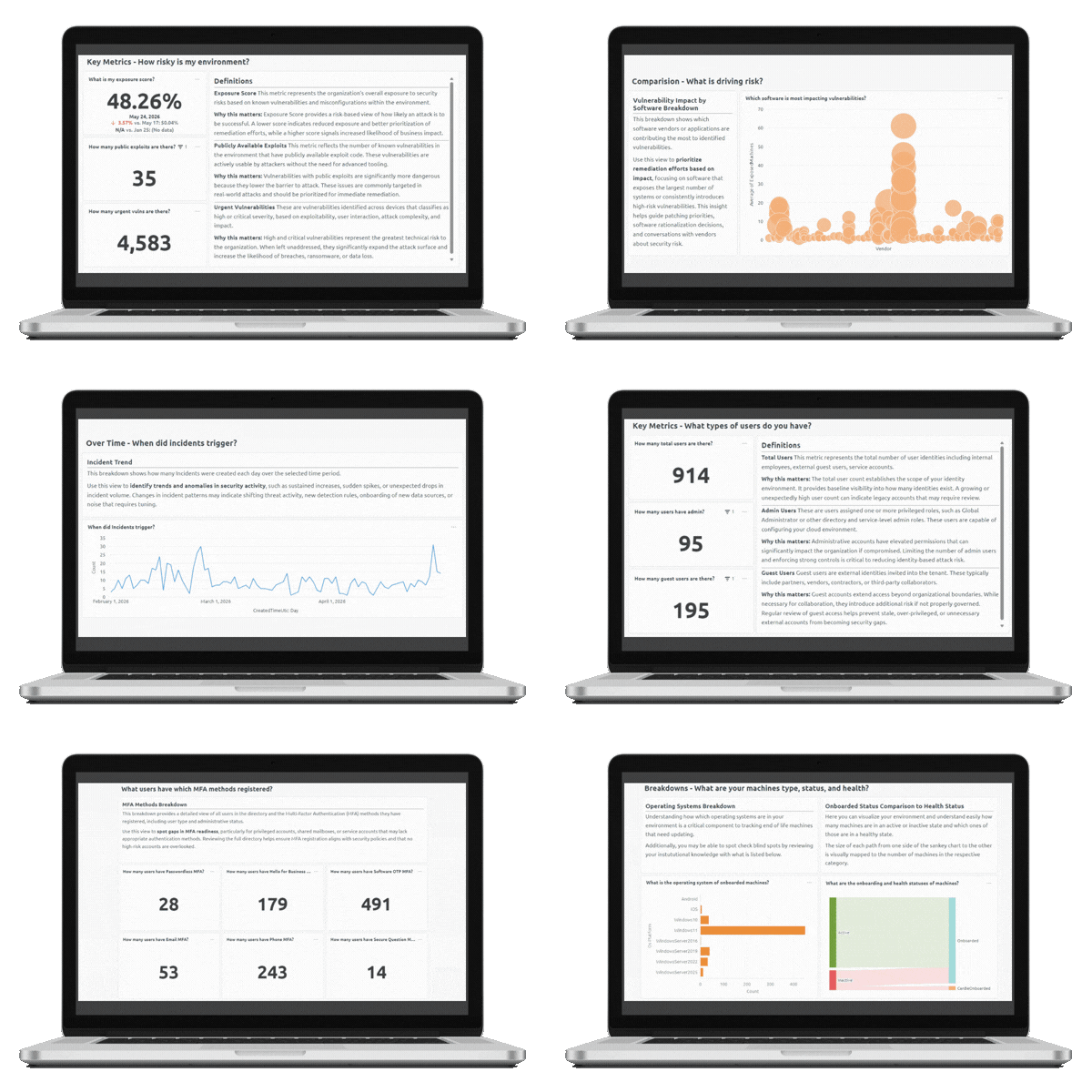
Actionable Results
It's More Than A Score.
A list of recommendations isn't enough if you don't know where to begin.
The Microsoft 365 Assessment provides practical, prioritized guidance that helps you understand which improvements should happen first, why they matter, and how they strengthen your Microsoft security environment.
Instead of leaving with a collection of technical findings, you'll leave with a clear roadmap for improving security and maximizing your Microsoft investment.
Discover What's Possible With Microsoft Security.
Understand where your Microsoft environment stands today and build a practical roadmap for strengthening it tomorrow.
Frequently Asked Questions
What is a Microsoft 365 Assessment?
A Microsoft 365 Assessment is a structured review of your Microsoft security environment that identifies configuration gaps, underutilized capabilities, and opportunities to strengthen your security posture.
Which Microsoft products are reviewed?
The assessment may include Microsoft Entra ID, Microsoft Defender, Intune, Exchange Online, SharePoint, OneDrive, Microsoft Purview, and other Microsoft security technologies relevant to your environment.
Do I need Microsoft 365 Business Premium?
The assessment is designed for organizations using Microsoft 365 Business Premium, Microsoft 365 E5, or other Microsoft licensing that includes security capabilities.
Will changes be made during the assessment?
No. The assessment is read-only. We review your current environment, document findings, and provide recommendations without making configuration changes.
What will I receive after the assessment?
You'll receive a summary of findings, prioritized recommendations, and a practical roadmap for strengthening your Microsoft security environment.
Can DotStar implement the recommendations?
Yes. If you choose to move forward, DotStar can help implement the recommendations through Cloud Control, Business Protection, or other managed security services.